You choose the folder
Click Add directory, then pick the music folder you want to use from the browser's built-in folder picker.
 Adi Music
Playlists, queue, equalizer, and playback speed — no uploads or account needed.
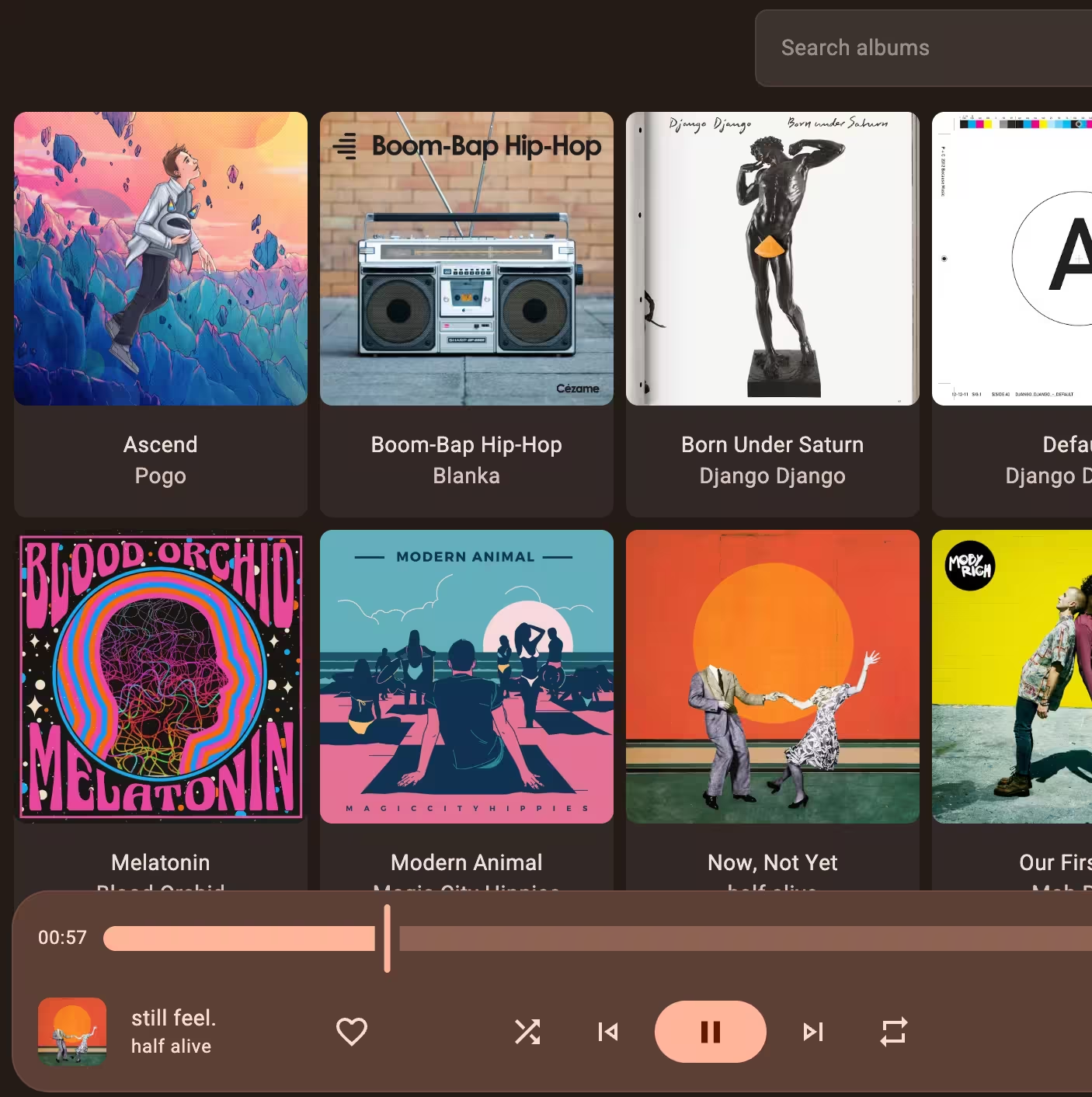
Pick a folder, approve access in the browser, and Adi Music reads only the music you choose.
Open a music folder or pick tracks, then keep listening across phones, tablets, laptops, and desktops.
Your library is organized from file metadata, so it is easy to browse by track, album, or artist.
Save favorites, revisit what you played, and control what comes next with queue, shuffle, and repeat.
The interface picks up colors from your album artwork and adapts to your system's light or dark theme.
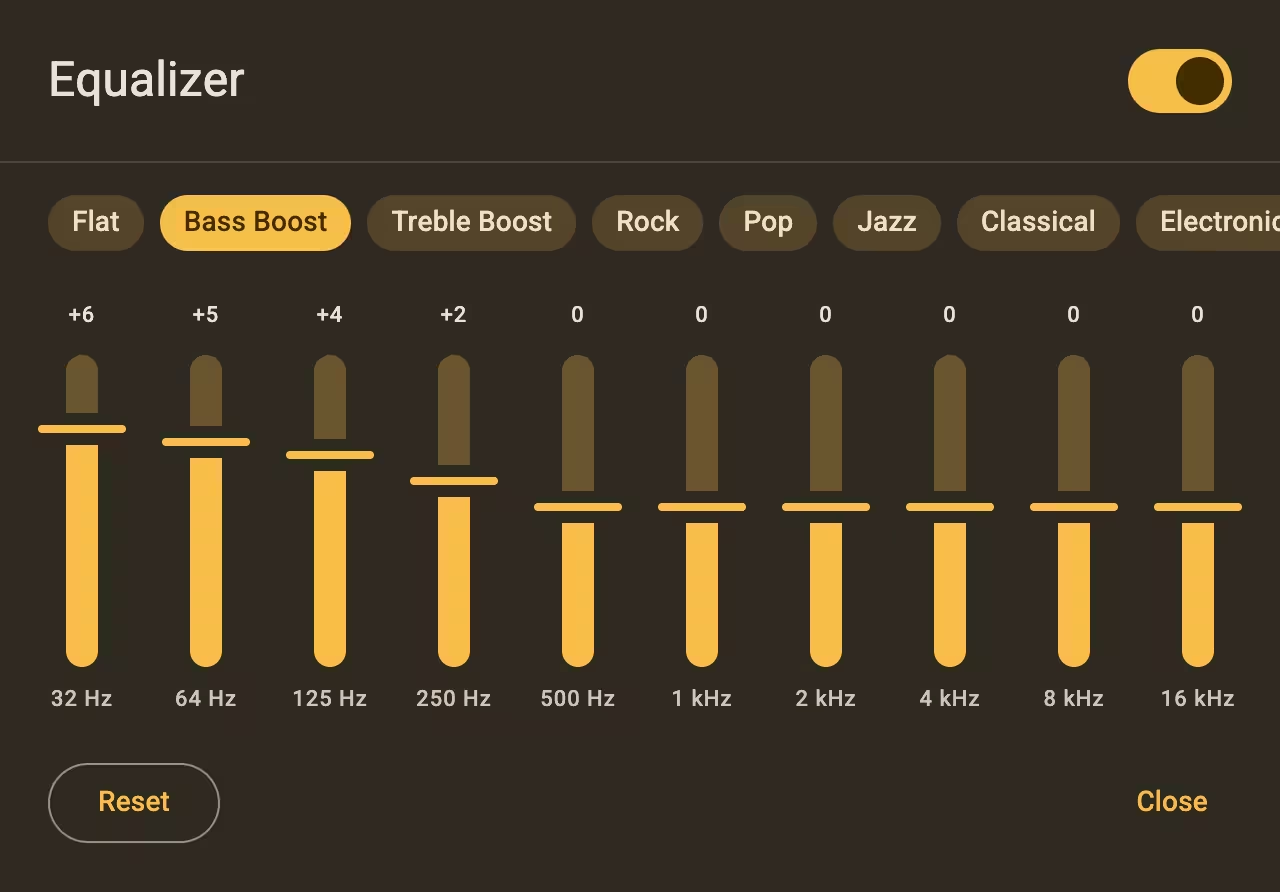
Start with a preset, then fine-tune each band until the sound is right.
Slow down for closer listening or move through albums and long mixes at your own pace.
In Settings, click Add directory and choose the music folder you want Adi Music to scan.
Tracks, albums, and artists are organized automatically from your file metadata.
Build a playlist, queue a few tracks, mark favorites, and press play.
Works in modern browsers on Android and iOS, plus Chromebooks, Windows PCs, and Macs.